If you’ve priced out AI video tools lately, you’ve probably hit the same wall I have: OpenAI’s Sora 2 runs about $200/month standalone through ChatGPT Pro, and Google’s Veo 3.1 Ultra runs around $250/month. That’s $450 a month just for access to two models — before you’ve made a single finished video. InVideo AI bundles both of those models into one subscription starting around $28/month. That gap alone is worth understanding before you write off the platform as “just another template tool.”
Here’s an honest look at what InVideo AI actually does in 2026, what it costs once you factor in the credit system, and whether it’s worth it if you’re building a faceless YouTube channel or freelancing as a video editor.
What InVideo AI actually is in 2026
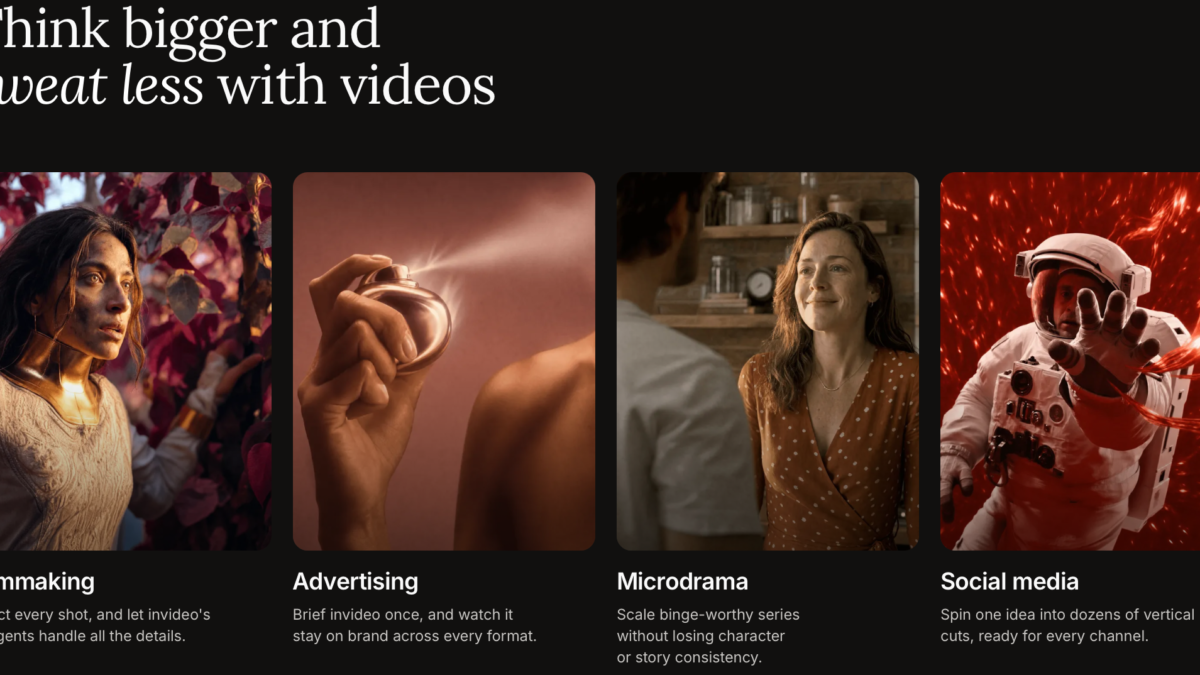
InVideo has been around since 2017, originally as a drag-and-drop template editor. That editor — InVideo Studio — still exists, but it’s not where the company’s energy is going anymore. The product most people mean when they say “InVideo” today is Agent One: a conversational AI agent that takes a prompt, script, or reference and turns it into a finished, edit-ready video. You describe what you want in plain English, and the agent handles scripting, scene selection, voiceover, music, and pacing.
The standout feature is model access. InVideo gives you access to 200+ image, video, audio, and music models through one interface — including Sora 2, Veo 3.1, Kling 3.0, and Nano Banana Pro — instead of juggling separate subscriptions and separate learning curves for each one.
How the pricing actually works (credits, explained honestly)
This is where most reviews lose people, so here’s the plain version. InVideo runs on a credit system across four tiers:
- Free — limited AI minutes, watermarked exports. Fine for testing the workflow, not for publishing.
- Plus (~$20/month billed annually) — around 50 AI minutes/month, 80 iStock assets, 2 voice clones, watermark-free exports.
- Max (~$48/month billed annually) — around 200 AI minutes/month, 320 iStock assets, more voice clones, 4K exports, priority rendering.
- Generative tier (~$100+/month) — heavier generative model usage, billed against credits at closer-to-original API pricing.
The catch: unused credits don’t roll over month to month, and generative models (Sora 2, Veo 3.1, etc.) consume credits fast since they’re billed closer to their real API cost. If you’re generating a lot of AI video rather than working from templates and stock footage, budget for the higher tiers or expect to run out mid-month. Always check current pricing on InVideo’s own pricing page before committing, since AI tool pricing shifts often.
Is InVideo AI good for faceless YouTube automation?

Yes, and this is genuinely one of its strongest use cases. The full pipeline is covered natively: AI script writing from a topic prompt, AI stock footage selection from a massive media library, AI voiceover (including your own cloned voice), and automatic captioning. For a faceless channel, that means you can go from an idea to a publishable video without touching a timeline editor.
The realistic caveats: expect to rewrite AI-generated scripts rather than publish them as-is — the copy tends to be safe and generic rather than sharp. And roughly a quarter of text-editing commands may need a retry or manual correction. It’s a strong starting point, not a fully hands-off pipeline.
Is InVideo AI good for YouTube Shorts and social clips?
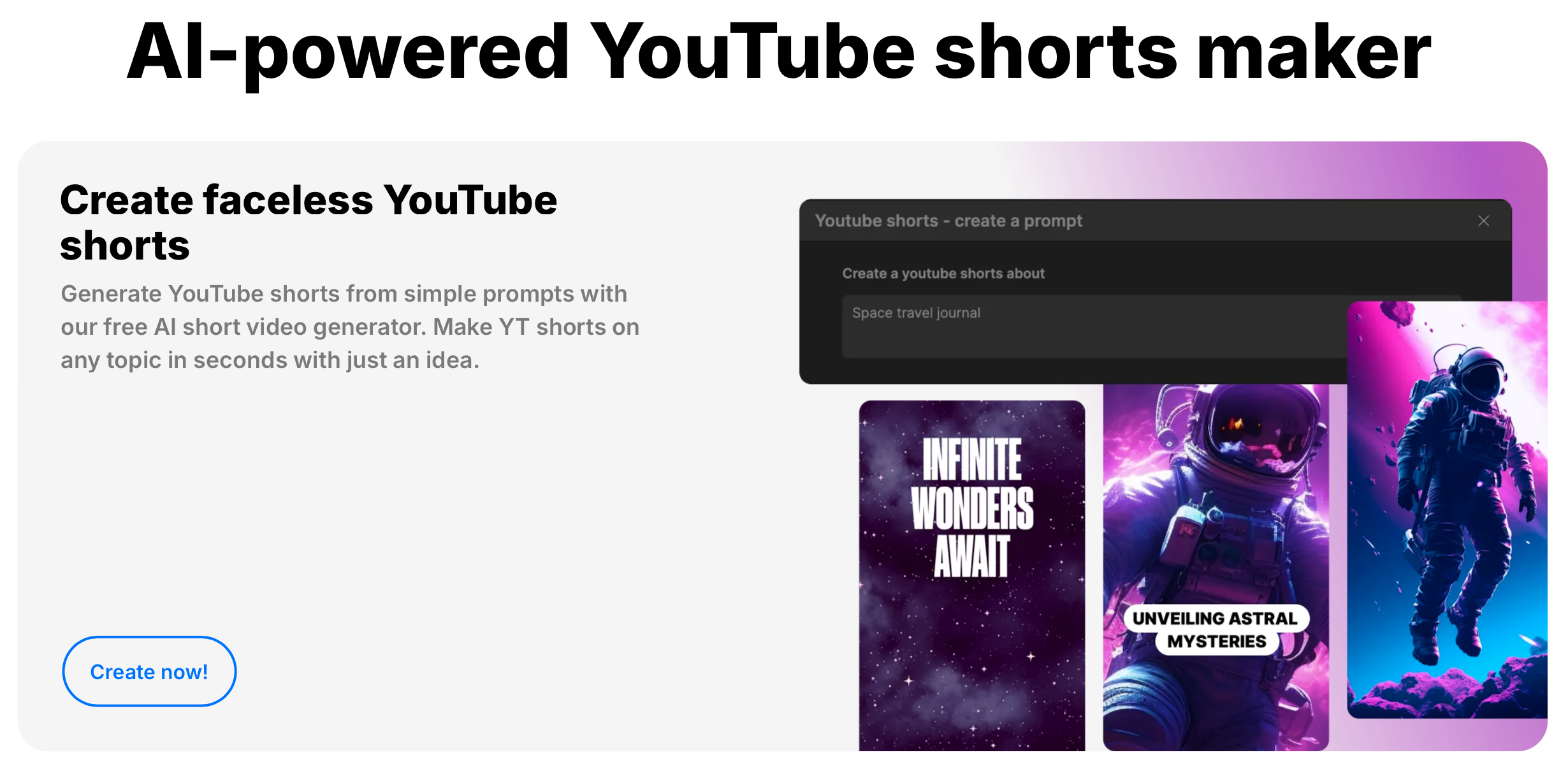
Yes — this is arguably where the credit-based pricing makes the most sense, since short-form clips consume fewer minutes than long-form video. You can generate a script, pick a vertical template, and get a captioned, voiced Short out in minutes. If your content strategy leans heavily short-form, the Plus tier’s 50 AI minutes can stretch across a meaningful number of clips per month.
Pictory vs InVideo AI
The comparison people usually want here is simple: Pictory leans more toward turning long-form content (blog posts, webinars, existing video) into repurposed short clips, while InVideo AI leans toward generating original video from a prompt or script, with deeper access to frontier generative models like Sora 2 and Veo 3.1. If your workflow starts with existing long-form content you want to cut down, Pictory’s repurposing focus may fit better. If you’re starting from an idea or script and want the AI to build the video from scratch, InVideo AI’s Agent One workflow is the stronger fit.
What InVideo AI does well
- Genuine access to frontier generative video models (Sora 2, Veo 3.1) at a fraction of their standalone cost
- A real end-to-end pipeline for faceless content — script, voiceover, footage, captions — without separate tools
- Voice cloning that holds up to a casual listen test, useful for consistent brand voice across videos
- A large, growing template library (10,000+) for people who want a faster starting point than a blank prompt
Where it falls short
- Credits don’t roll over, and generative model usage burns through them quickly
- AI-generated scripts need editing — treat them as a first draft, not a final one
- The AI occasionally struggles with unusual proper nouns, product names, or handles — always review generated voiceover scripts before rendering
- Consumer review scores tend to run lower than professional review scores, suggesting a gap between what power users get out of it versus casual users’ expectations
Who InVideo AI is actually worth it for
If you’re running or starting a faceless YouTube channel, producing regular short-form content, or freelancing as a video editor who needs to turn around client videos fast, InVideo AI’s combination of an AI agent workflow plus bundled access to premium generative models is hard to match at this price point. If you only need occasional, simple template-based edits, the credit system may feel like overkill — a simpler flat-rate editor could serve you better.
Want to try the workflow yourself? Start with InVideo AI’s free plan and see how the credit system fits your content pace before upgrading.
Affiliate Disclosure: This post contains an affiliate link. If you sign up or subscribe through this link, we may earn a commission at no extra cost to you. We only recommend tools we’ve researched and believe are genuinely useful for freelancers and content creators.