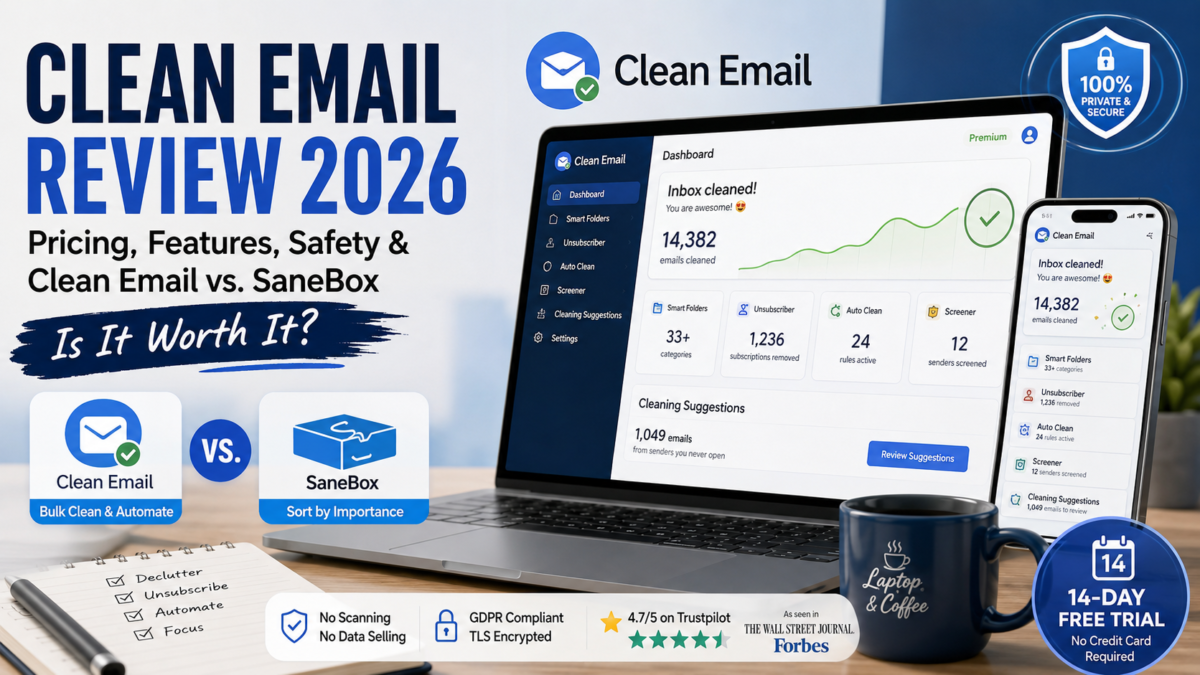
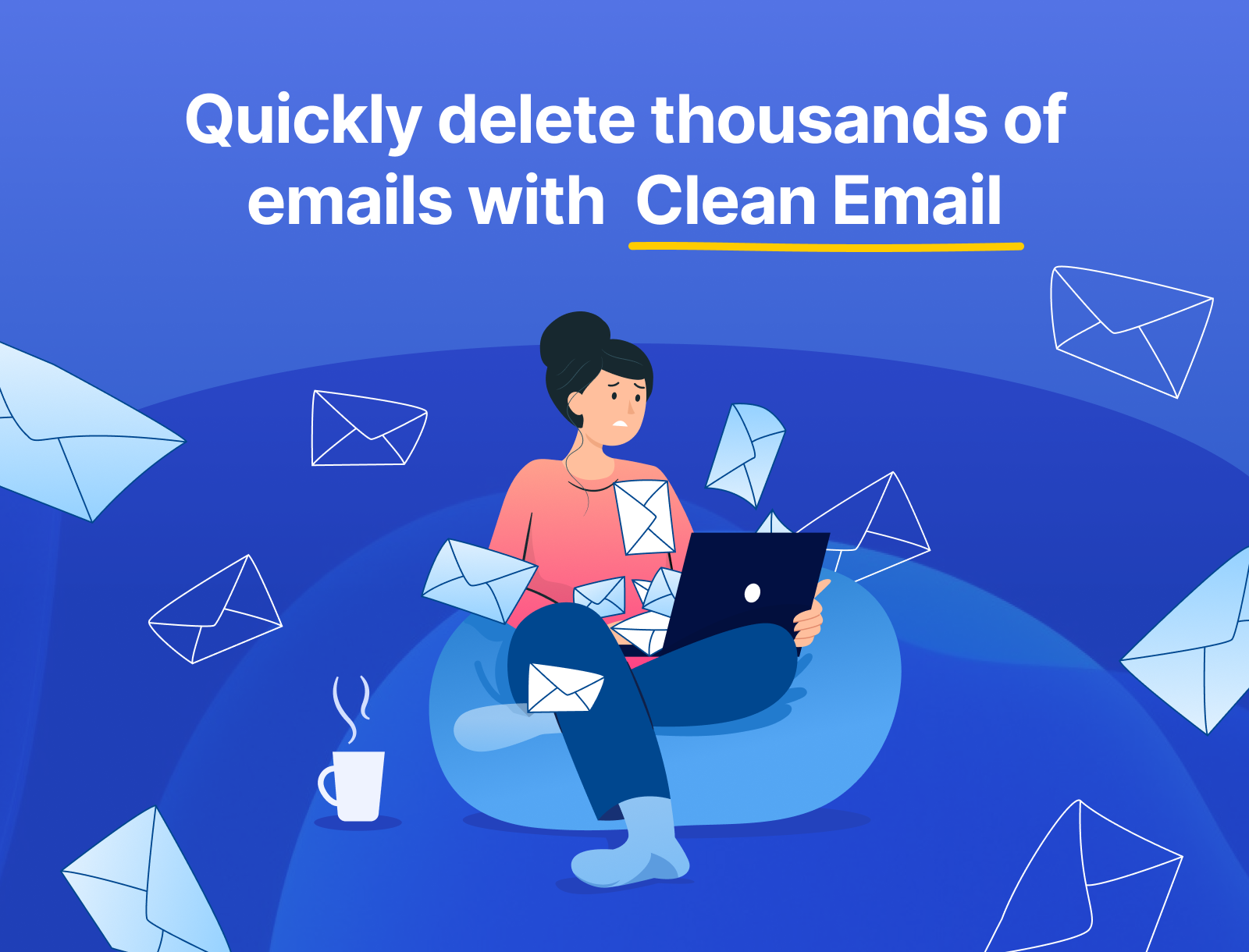
You open your inbox and the unread count reads something like 14,382. Somewhere in there is an invoice you actually need. Everything else is a decade of newsletters, shipping notifications, “we miss you” emails from apps you deleted years ago, and promo blasts from a store you bought one candle from in 2021.
That’s the exact problem Clean Email was built to solve — and it’s the same problem a lot of us dealing with client emails, tool subscriptions, and newsletter overload run into constantly. This Clean Email review covers what it actually does, what it costs in 2026, whether it’s safe to connect your inbox to it, and how it stacks up against the alternative most people ask about — SaneBox.
This post contains affiliate links — see the full disclosure at the end.
The 30-second verdict
If your inbox has genuinely spiraled and you want it handled automatically going forward — not just cleaned once — Clean Email is worth the subscription. Free plan cleans up to 1,000 emails with basic actions. A 14-day free trial unlocks the full Premium toolkit, no card required. Paid plans start around $9.99/month for one account, with annual billing saving up to 70%. It doesn’t scan your email content or sell your data, and it’s picked up positive coverage from The Wall Street Journal and Forbes. If you only want to stop a handful of newsletters, a lighter, cheaper tool might do that one job just as well — more on that below.
What Clean Email actually does
Clean Email is a privacy-focused inbox management platform, founded in 2014 and based in Los Angeles. It connects directly to your existing email account (it doesn’t replace your email app) and gives you a set of tools for getting — and keeping — your inbox under control:
Smart Folders — automatically groups your email into 33+ categories (social, receipts, notifications, “old emails,” and more) so you can act on a whole group at once instead of one message at a time.
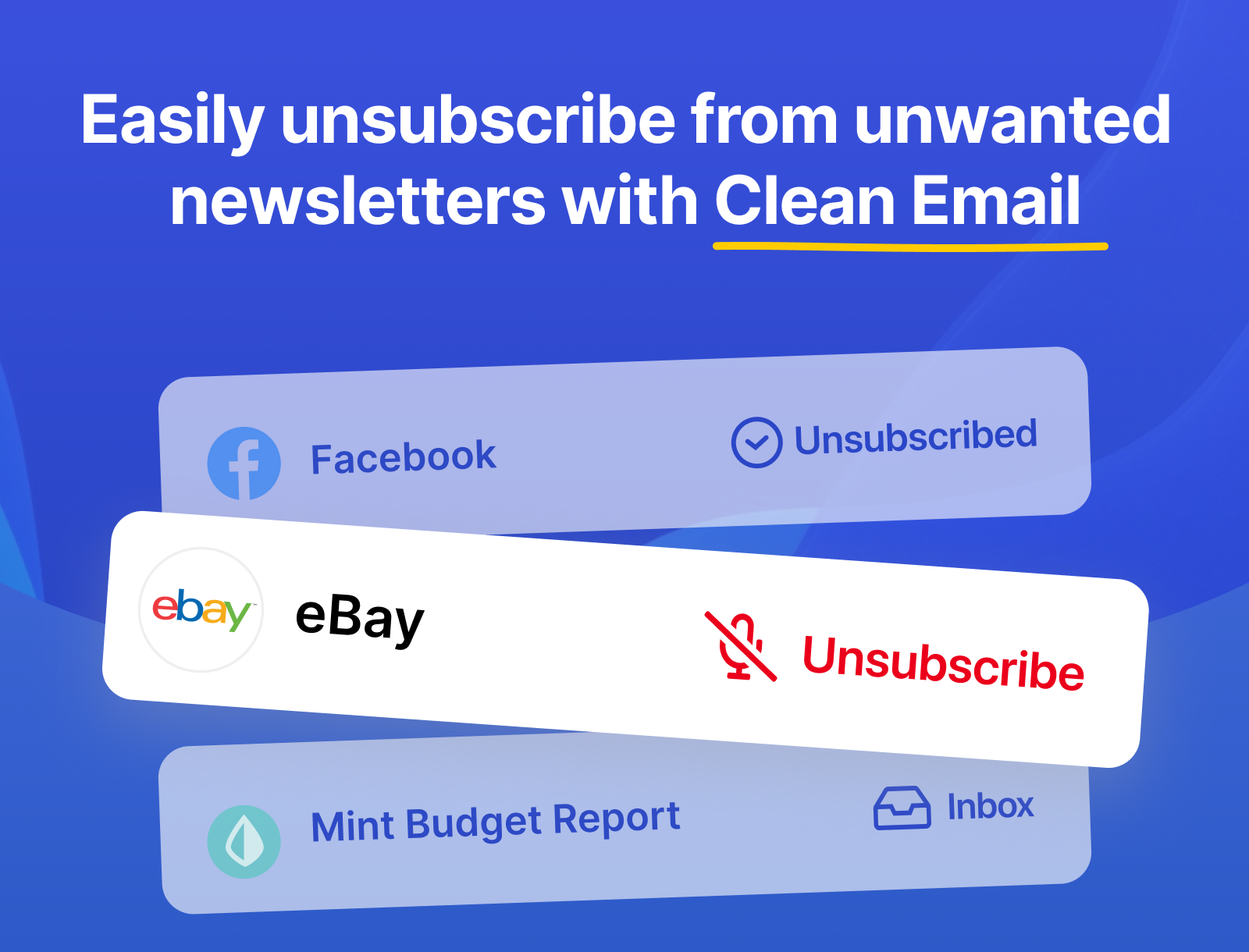
Unsubscriber — unsubscribes you from newsletters and marketing lists in one click, including senders who ignore standard unsubscribe requests.
Auto Clean — automation rules that keep running quietly in the background, so the same junk doesn’t pile back up next month.
Screener — holds emails from unknown senders for your approval before they hit your inbox.
Cleaning Suggestions — behavior-based recommendations, like flagging emails you never open so you can auto-archive them going forward.
It works across Gmail, Outlook, Yahoo, iCloud, AOL, Fastmail, and most other IMAP-based providers, with apps for web, macOS, iOS, and Android — and your account syncs across all of them.
Is Clean Email safe?
This is the most-searched question about the tool, and it’s a fair one to ask before connecting anything to your inbox. Short answer: yes — permanently, for up to 1,000 emails, no card required
Clean Email doesn’t scan or read the content of your emails — it works off headers and metadata to sort and act on messages. The company states 100% of its revenue comes from subscriptions, not advertising or data sales, and it’s built to be GDPR-compliant with TLS encryption in transit.
It’s also picked up coverage from mainstream outlets that back this up. The Wall Street Journal tested several mailbox-management apps and rated Clean Email as the one they liked best, describing a dramatic drop in their unread count after using it. Forbes flagged the broader category of bulk-unsubscribe tools as one to be cautious with — since some free services quietly harvest and resell inbox data — but named Clean Email specifically as a safe, paid option that doesn’t sell user data.
On third-party review platforms, Clean Email holds a 4.7 “Excellent” rating on Trustpilot from over 500 reviews, and a 4.5-star average across roughly 3,300 ratings on its own site.
Clean Email review pricing in 2026
Clean Email doesn’t gate features by tier — every paid plan includes the full toolkit (Smart Folders, Unsubscriber, Auto Clean, Screener, Cleaning Suggestions). The only thing that changes between plans is how many email accounts you can connect: 1 account, 5 accounts (built for families or sharing with a partner), or 10 accounts (small teams).
Paying annually saves up to 70% compared to monthly billing, per Clean Email’s own pricing page. Third-party listings commonly cite the 1-account monthly plan starting around $9.99/month, with the annual equivalent working out significantly cheaper per month. Because pricing pages change and vary slightly by platform (web vs. mobile app store billing), always confirm the live number on the official plans page before you buy.
Free plan: clean up to 1,000 emails using basic actions (delete, move, trash, label, star) — no card required, and it never expires. You just don’t get Premium tools like Unsubscriber, Auto Clean, or Screener on the free tier.
Free trial: 14 days of full Premium access, including 25 unsubscribe actions, with no credit card required to start. If you don’t upgrade, your account reverts to free-tier limits — nothing gets charged automatically.
Start your free 14-day Clean Email trial →
Clean Email vs. SaneBox: which one should you get?
This is the comparison most people search for once they’ve narrowed it down to these two. They solve overlapping but genuinely different problems.
Pick Clean Email if your problem is volume — years of accumulated newsletters, promos, and notifications you need gone, plus automation to stop it from happening again. It also has the stronger built-in Unsubscriber, working even against senders who ignore standard unsubscribe requests, and prices by number of connected accounts rather than feature tier.
Pick SaneBox if your inbox volume is manageable but you’re missing important emails buried under noise — its strength is sorting incoming mail by importance day to day, not bulk deletion of a backlog.
Some people genuinely use both for different jobs, but if you’re choosing one to start, match it to which problem you actually have.
Who should skip it
Clean Email isn’t for everyone. Skip it if you only need to unsubscribe from a handful of senders — the free 1,000-email tier or a one-time tool might cover that without a subscription. Skip it too if you manage a single, already-tidy inbox, since the automation value shows up most when you’re juggling multiple accounts. And if you want an AI assistant that drafts replies or understands email content, Clean Email organizes and cleans — it doesn’t write for you.
If what you actually need is a tool to send emails rather than clean up your inbox, see our Best Email Marketing Software for Beginners guide instead.
FAQ
Is Clean Email actually free?
Yes, permanently, for up to 1,000 emails using basic cleanup actions. Premium features (Unsubscriber, Auto Clean, Screener) require a paid plan or the 14-day free trial.
Does Clean Email sell my data?
No. The company states it runs entirely on subscription revenue and does not scan email content or sell user data.
How much does Clean Email cost?
Plans are priced by how many email accounts you connect (1, 5, or 10), starting at roughly $9.99/month, with substantial savings on annual billing. Always check the live plans page, since pricing is updated periodically.
Can I cancel anytime?
Yes — Clean Email’s plans are cancel-anytime, with no long-term lock-in required.
Does it work with Gmail and Outlook?
Yes, along with Yahoo, iCloud, AOL, Fastmail, and most other IMAP-based providers.
The bottom line
If your inbox has quietly become unmanageable and you’re tired of manually deleting the same junk every few weeks, Clean Email earns its subscription — the automation is what separates it from a one-time cleanup tool. Start with the free trial, run it against your worst inbox, and see how much of the backlog it clears before you decide whether to pay.
Affiliate disclosure: Laptop & Coffee is reader-supported. This post contains affiliate links, which means we may earn a commission if you sign up through them — at no extra cost to you. It never changes what you pay, and it never changes what we tell you. We only recommend platforms we have researched properly. No hype. Just truth. Sip. Click. Earn.