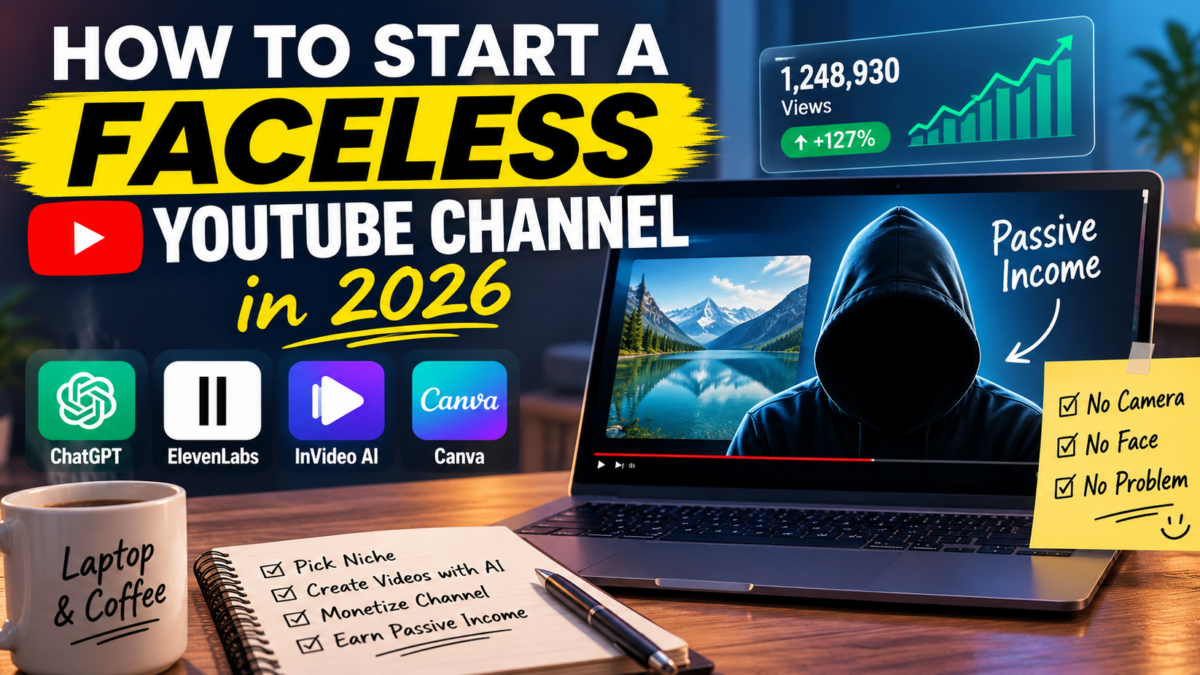
Let me be upfront with you: I don’t run a million-subscriber faceless channel. What I do run is the exact production stack these channels are built on — AI voiceovers, text-to-video tools, topic research software — every single week, for my own blogs and ecommerce brands. So when I explain how to start a faceless YouTube channel in 2026, it’s not theory copied from another article. It’s the workflow I already use, pointed at YouTube.
And I’ll do it my usual way: real steps, real costs, real tools — plus the two honest warnings most guides skip, including a YouTube policy change that quietly killed a whole category of lazy faceless channels. Coffee ready? Let’s build this thing.
⚡ Quick answer: To start a faceless YouTube channel in 2026: pick a niche where advertisers pay well, find breakout topics with outlier research instead of guessing, script with AI and edit like a human, narrate with a quality AI voice, assemble the video with a text-to-video tool, and publish on a fixed schedule. You can start completely free, or run the full stack for roughly $50–$80/month. The catch nobody leads with: YouTube now demonetizes channels it considers mass-produced and repetitive, so the “upload 90 lazy AI videos” era is over — your inputs can be AI, but the judgment has to be yours.
What Is a Faceless YouTube Channel, Exactly?
A faceless YouTube channel is one where the creator never appears on camera. The video is carried by voiceover, stock footage, screen recordings, animations, or AI-generated visuals instead of a talking head. Think finance explainers with charts and B-roll, true crime narrations over case photos, ambient music channels, tech listicles, history documentaries, meditation and sleep content — some of the largest channels on the platform have never shown a face.
Disclosure: This post contains affiliate links. If you sign up through them, I earn a commission at no extra cost to you — it changes nothing about what I recommend, and the warnings below are the proof. Full details in my affiliate disclosure.
Why people choose this model is obvious once you list it: no camera anxiety, no lighting setup, no personal brand tied to your face, easier to outsource or systemize, and — the reason it belongs on this blog — it converts content creation from a performance into a production process. Processes can be improved, delegated, and scaled. Performances can’t.
Do Faceless YouTube Channels Actually Make Money?
Yes — and this is where I owe you the “no hype, just truth” version, because the numbers vary wildly by niche.
YouTube pays creators through ad revenue based on RPM — revenue per thousand views — and RPM follows advertiser budgets, not view counts. A finance or business channel can earn $10–$30+ per thousand views because banks and software companies pay premium ad rates. A meme compilation channel might earn under $1 for the same thousand views. Same platform, 20x difference. That’s why niche selection (next section) matters more than any tool in this guide.
To join the YouTube Partner Program at all, you need 1,000 subscribers plus either 4,000 watch hours in 12 months or 10 million Shorts views in 90 days. For a consistent faceless channel, reaching that typically takes months of regular uploads, not weeks — anyone selling you a faster guarantee is selling you something.
The honest upside: ads are the smallest money in this model done well. Affiliate links in descriptions, sponsorships once a niche audience forms, and your own products sit on top. Which is exactly why picking a niche where those layers exist is step one.
How to Start a Faceless YouTube Channel in 2026: The 6 Steps
Step 1 — Pick a niche where the money already flows
The most profitable faceless YouTube niches in 2026 share two traits: advertisers with budgets, and audiences with a repeat appetite. The reliable ones: personal finance and investing (highest RPMs on the platform), AI tools and software tutorials (growing ad spend, natural affiliate offers), health and wellness (big but be careful — YouTube holds medical claims to a higher standard), true crime and mystery narration (huge watch time, but saturated — you need an angle), ambient/study/sleep content (low RPM but extreme watch hours and low production cost), and niche how-to (repair, Excel, gardening — smaller but loyal and underserved).
My filter, the same one I use for blog niches: can you name three affiliate programs and three types of sponsor for the niche off the top of your head? If not, the monetization ceiling is ads alone — and you just read what ads pay in weak niches.
Step 2 — Choose topics with data, not vibes
This step is where most faceless channels quietly die. They pick topics the creator finds interesting instead of topics the algorithm is actively rewarding. The fix is outlier research: finding videos that massively outperformed their own channel’s average — a 100k-view video on a 10k-average channel — because those wins happened on merit, which means the topic is transferable to a new channel like yours.
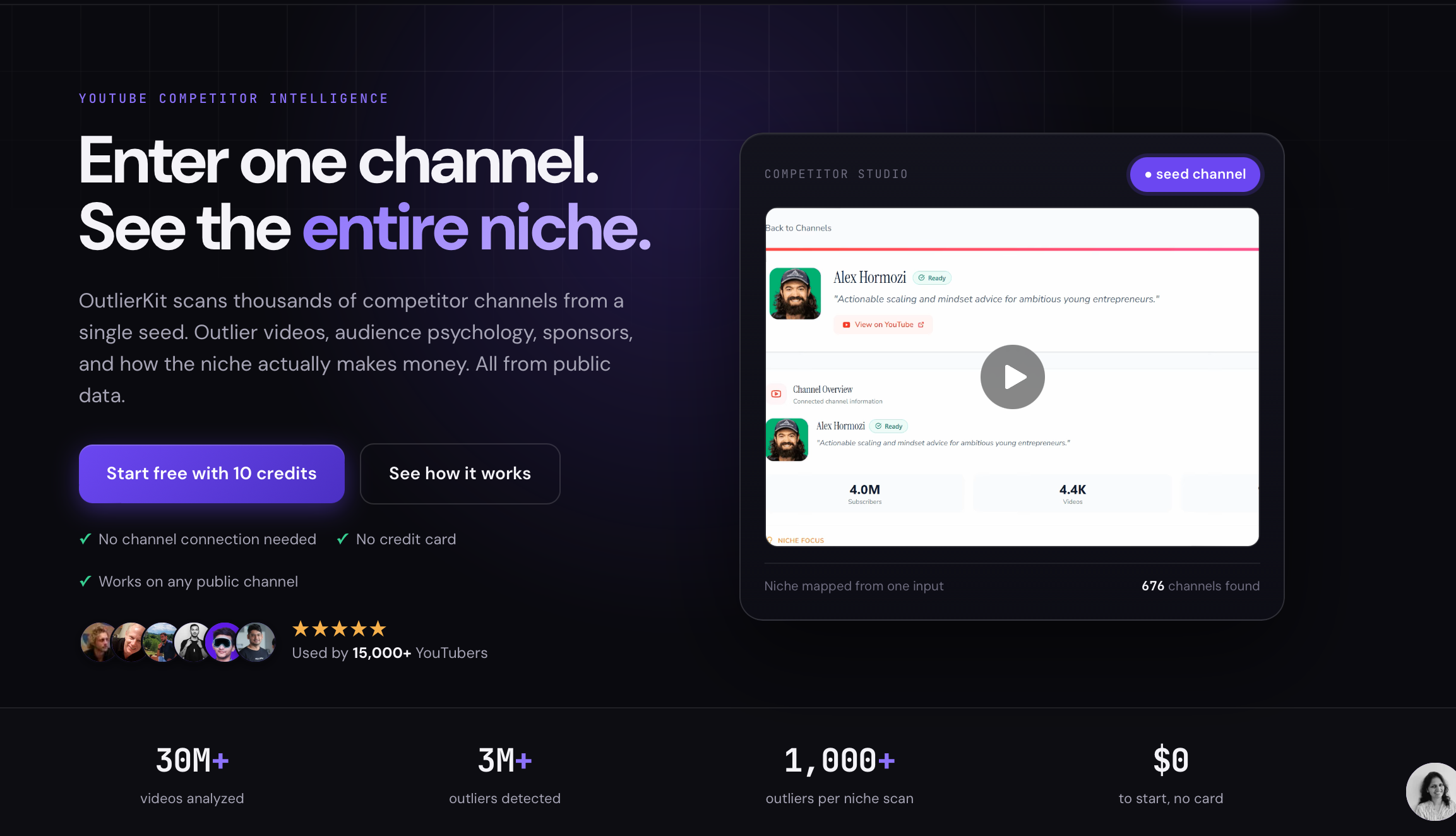
You can do this manually by scrolling competitor channels and comparing each video against the channel’s typical numbers — free, works, slow. Or you can automate it: OutlierKit scans an entire niche from one seed channel and ranks every outlier by multiplier and recency. I tested it properly — the free trial’s 10 credits are enough to research your niche before you’ve spent anything — and wrote up the full results, including the pricing catch, in my OutlierKit review.
Either way, the rule is the same: extract the pattern from an outlier — topic angle, title structure, hook — never clone the video. Clones enter a saturation race they can’t win.
Step 3 — Script with AI, edit like a human
ChatGPT, Claude, or any capable AI will draft a script from your topic and an outline. Free, fast, and — left unedited — the fastest way to sound like every other faceless channel that launched this month. The edit is where you earn your view duration: rewrite the first 15 seconds by hand (the hook decides everything), cut every sentence that doesn’t add information, and read it aloud once — anything you stumble on, the voiceover will stumble on too.
Structure that holds attention: open with the payoff or the question, deliver in short segments with mini-payoffs, and close by pointing at the next video. That last one quietly builds the watch hours you need for monetization.
Step 4 — Narrate with a voice that doesn’t sound like a robot
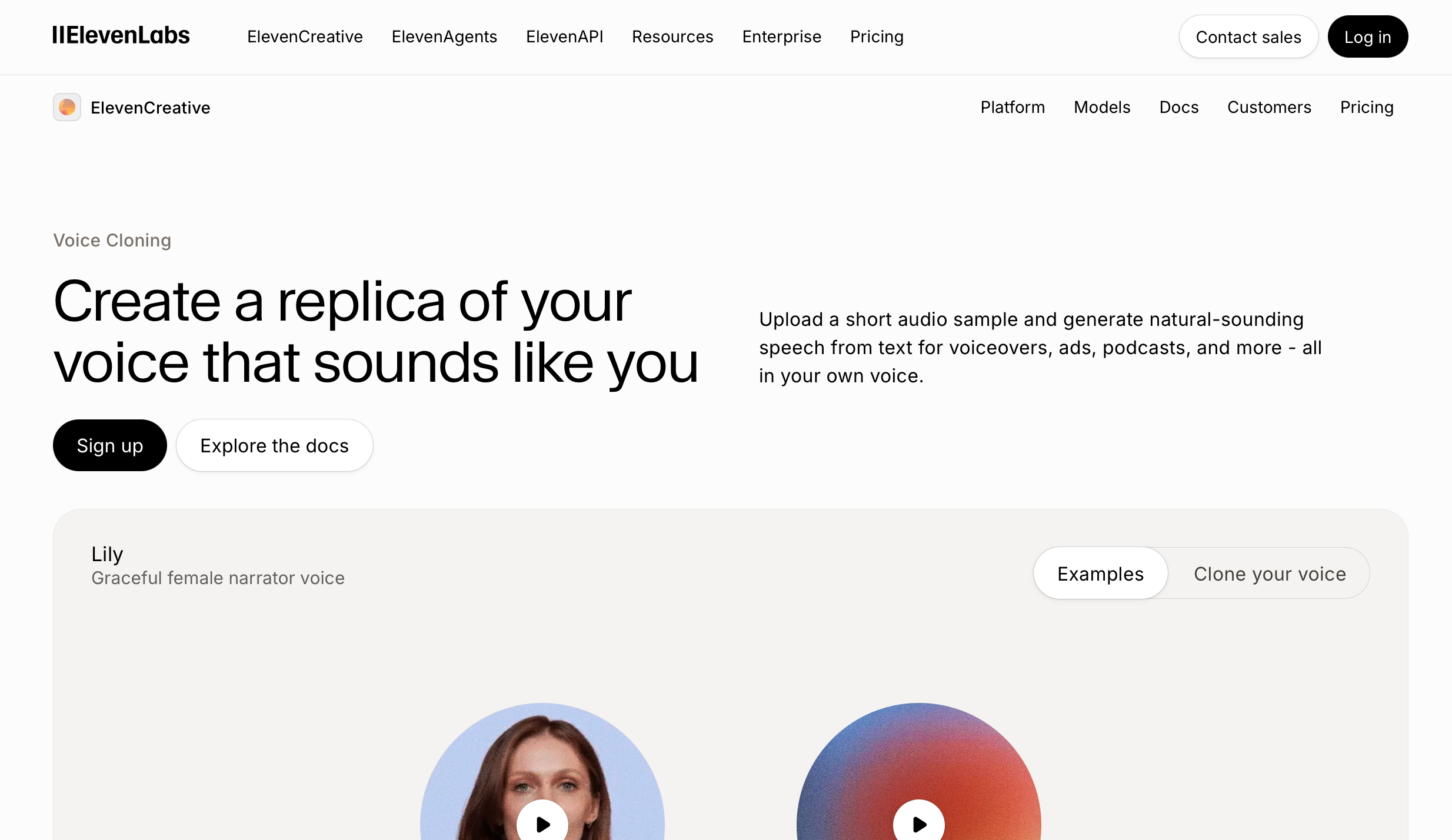
The voiceover is where viewers decide in seconds whether your channel feels professional or spammy — it carries the entire video when there’s no face. ElevenLabs is the benchmark here and what I use in my own production work; the gap between it and generic text-to-speech is not subtle, and it starts at $5/month. I compared the realistic options — including the free routes and their trade-offs — in my honest AI voiceover tools guide.
One craft tip that outweighs any tool choice: write for the ear, not the eye. Short sentences. Contractions. A question here and there. AI voices read punctuation — give them good punctuation to read.
Step 5 — Assemble the video without learning video editing
Text-to-video tools exist precisely for this model: paste your script, get scenes matched with stock footage, captions, and your voiceover, then swap the clips that miss. Pictory is the one I tested end to end — it even bundles ElevenLabs voice minutes into its plans, which simplifies the stack to two subscriptions instead of three. My full Pictory review covers what it does well and the export-quota catch to know before paying.
The free alternative is CapCut or DaVinci Resolve with stock footage from Pexels and Pixabay — completely workable, just budget 3–5x the hours per video. That’s not a throwaway line: your real cost in this business is always time or money, and pretending otherwise is how beginners burn out in month two.
Step 6 — Package, publish, repeat
Thumbnails and titles decide whether your video gets the click that lets everything else matter. Canva is free and enough: large text, one focal image, high contrast, readable at phone size. Test your thumbnail at 20% zoom — if you can’t read it, neither can anyone scrolling.
Then the unglamorous part that actually separates winners: a fixed schedule you can sustain. One good video a week beats four in week one and silence after. The algorithm rewards channels it can predict, and — more honestly — you need the routine more than the algorithm does. Most faceless channels don’t fail on quality. They fail on week six.
What It Really Costs to Start in 2026
| Stack | Tools | Monthly cost | Trade-off |
|---|---|---|---|
| Free | Manual outlier research, free AI scripting, CapCut/DaVinci, Pexels footage, Canva | $0 | 3–5x more hours per video |
| Lean (my pick) | OutlierKit Hobby + Pictory Starter (ElevenLabs minutes included) + Canva free | ~$54 | Fastest path to consistent weekly output |
| Full | OutlierKit Pro + Pictory + separate ElevenLabs plan | ~$80–$100 | Only worth it once the channel earns or you’re scaling |
Prices as of July 2026 — verify current pricing before subscribing. Start free or lean; upgrade with revenue, not with hope.
The Warning Most Guides Skip: YouTube’s Rules Changed
In mid-2025 YouTube updated its Partner Program policies to target what it calls inauthentic, mass-produced, and repetitive content — a change aimed squarely at the lazy end of faceless automation: identical robot-voiced slideshows churned out in bulk. Channels built that way are getting denied monetization or losing it.
Read carefully, though, this change is good news for you. It doesn’t ban AI tools or faceless formats — established faceless channels monetize fine. It bans valueless repetition. Everything in this guide — real topic research, hand-edited scripts, quality narration, reviewed visuals — is exactly the human judgment layer that policy rewards. The bar rose, and the people it filtered out are the ones you’d otherwise be competing with.
⚠️ 3 mistakes that kill faceless channels
1. Starting with production instead of research. Beginners buy tools and make videos nobody searched for. Spend your first week entirely on Steps 1–2; the channel is decided there.
2. Chasing ten niches at once. The algorithm learns who to show your channel to. Five niches in ten videos teaches it nothing. Pick one, publish fifteen videos, then judge.
3. Quitting inside the silence. Nearly every faceless channel has a dead zone — weeks of uploads with double-digit views while the algorithm tests you. The channels you admire published through it. Decide now that your quit date is video thirty, not view count three hundred.
FAQ: Starting a Faceless YouTube Channel
Can I start a faceless YouTube channel for free?
Yes — free AI scripting, CapCut or DaVinci Resolve for editing, Pexels and Pixabay for footage, Canva for thumbnails, and manual outlier research cost nothing. The trade is time: expect each video to take several times longer than with paid tools. Start free to validate the niche, then buy back your hours with revenue.
How long until a faceless channel makes money?
You need 1,000 subscribers plus 4,000 watch hours (or 10M Shorts views in 90 days) to join the Partner Program, which typically takes a consistent channel months of weekly uploads. Affiliate links in descriptions can earn from day one though — which is why niches with affiliate programs beat niches without them.
What are the most profitable faceless YouTube niches in 2026?
Personal finance and investing lead on RPM, followed by AI/software tutorials, business, and health (with caution on medical claims). True crime earns strong watch time but is crowded. Ambient and sleep content pays low RPM but compounds massive watch hours at near-zero production cost.
Will YouTube demonetize AI-made faceless videos?
YouTube’s 2025 policy update targets mass-produced, repetitive, low-effort content — not AI tools or faceless formats themselves. Channels that add real research, editing, and original angles monetize fine; channels that bulk-upload identical robot slideshows don’t. The tools are allowed. The laziness isn’t.
Is the faceless YouTube niche saturated in 2026?
The lazy version is — and YouTube’s policies are actively clearing it out. The researched version isn’t: most niches still have far more demand (proven by outlier videos) than quality supply. Saturation is a topic-selection problem, which is exactly what Step 2 solves.
My Honest Bottom Line
If I were starting a faceless channel tomorrow, here’s exactly what I’d do: pick one niche that passes the three-affiliates-three-sponsors test, spend the OutlierKit free trial mapping what’s breaking out, script five videos and hand-edit every hook, produce them on the lean stack, and commit — in writing — to fifteen more before judging anything. Total risk: about $54 a month and my evenings. Total protection against wasted effort: the research happens before the production, not after.
The faceless model works in 2026 — arguably better than before, now that YouTube is filtering out the spam you’d have competed with. What no tool in this post can supply is the fifteen-video patience. That part was always the real price.
Starting a channel, or already grinding through the quiet weeks? Drop your niche in the comments — I read every one. Sip. Click. Earn. ☕