By Manesh Kumar · July 2026 · 11 min read
Quick Answer: Can You Actually Make Money With Lovable AI?
Yes — the fastest working version of this is building simple websites for local businesses and selling them for $300–$2,000 each, using a demo-first pitch that takes about two minutes to put together. It’s real, it’s documented, and it doesn’t require coding or design skills. What most posts leave out: the real monthly cost once you’re past the free tier, a quality ceiling once a client wants anything custom, and a March 2026 security flaw that matters a lot when you’re the one holding a client’s data. Read those before you promise anyone a website.
Table of Contents
- What Is Lovable AI?
- Lovable Pricing & the Credit System Explained
- Is the Quality Actually Good Enough to Sell?
- The Security Risk Nobody Mentions
- How People Are Actually Making Money With This
- Doing It Right: A Short Playbook
- Lovable vs Traditional Freelance Web Design
- Lovable vs Emergent vs Bolt
- Who This Is Actually Good For
- Frequently Asked Questions
- Final Verdict
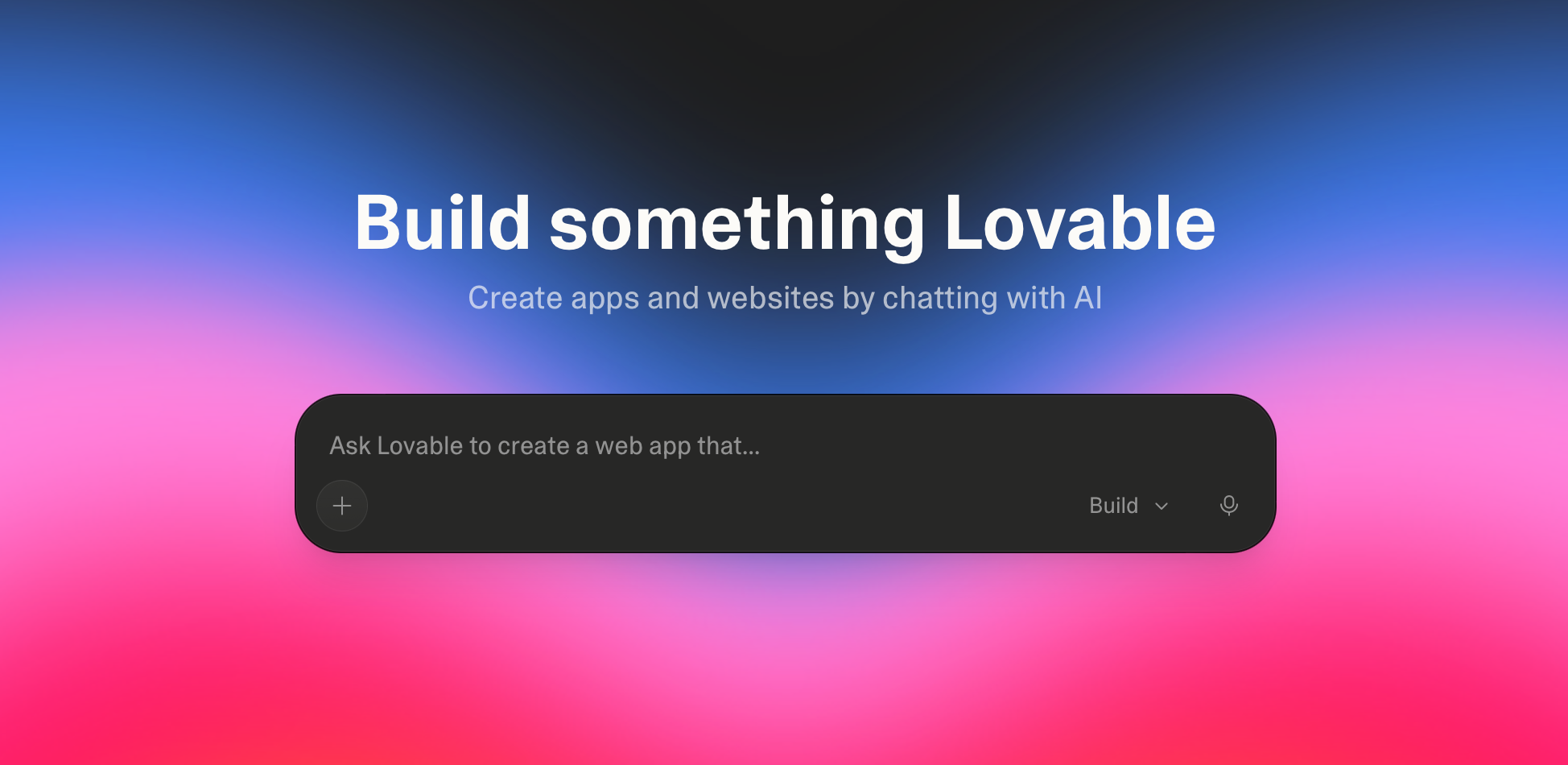
If you’ve spent any time on TikTok or Twitter lately, you’ve probably seen the pitch: open Lovable, type in a local business’s name, generate a full website in two minutes, then message the owner offering to sell it to them for $300–$500. No coding. No design skills. No portfolio. Just AI and a Google Maps search.
It’s a real method. People are genuinely doing it and genuinely getting paid. But the 60-second video version skips three things that matter once real client money and real client data are involved: what this actually costs you month to month, what happens when the AI gets stuck on something more complex than a landing page, and a security flaw that surfaced earlier this year that’s especially relevant if you’re the one handling someone else’s business website.
Here’s the honest breakdown — what Lovable is, what it actually costs, whether the “sell AI websites” side hustle holds up, and how to make money with Lovable AI in a way that doesn’t blow up on you six months in.
This guide contains affiliate links — read full disclosure here.
What Is Lovable AI?
Lovable is an AI app builder — you describe what you want in plain English, and it generates a working website or web app, complete with a database, user accounts, and hosting, without you touching code. It started as an open-source project called GPT Engineer, built by a small Stockholm-based team, and has grown fast: over 8 million registered users, a $6.6 billion valuation as of its December 2025 funding round, and a spot on TIME’s list of the most influential companies of 2026.
For our purposes — building and selling websites to local businesses — you don’t need most of what makes Lovable impressive to developers (the database logic, the authentication, the backend). You need it to spit out a clean, professional-looking site fast. That part it’s genuinely good at.
Lovable Pricing & the Credit System Explained
This is the part most “make $5k a month” posts skip, and it decides whether the math actually works for you.
| Plan | Price | Credits | Best For |
|---|---|---|---|
| Free | $0 | 5/day (~150/month) | Building demo sites for outreach |
| Pro | $25/month | 100/month + daily rollover | Regularly finishing paid client sites |
| Business | $50/month | 100/month + SSO, team seats | Small agencies with collaborators |
| Enterprise | Custom | Custom | Larger teams |
A credit gets spent every time you send the AI a message to build or edit something. A small styling tweak costs around half a credit. A more complex feature or a full page generation runs 1–2 credits. That sounds manageable — until you’re deep in a debugging loop, which happens more than the marketing suggests.
✎ Reality check: multiple reviewers who’ve actually shipped projects on Lovable report real monthly costs running 2–3x the sticker price once you factor in Supabase (the database backend Lovable runs on) and hosting for a live site. One reviewer described the AI making basic math errors that led to over $1,000 in underestimated backend costs on a single project. For a simple client landing page you’re unlikely to hit numbers that extreme, but budget for more than $25/month if you’re running this as an actual business.
Affiliate link — supports the blog at no extra cost to you.
Is the Quality Actually Good Enough to Sell?
This is where the reviews genuinely split, and it’s worth taking seriously before you promise a client a finished site. Lovable sits at 4.6 stars on G2 across 270+ reviews, but its Trustpilot picture is messier — one review tracker found a bimodal split of roughly 64% five-star reviews and 17% one-star, with very little in between. People either love it or feel burned by it.
The pattern in the complaints is consistent: it’s excellent for a first draft or a simple site, and noticeably less reliable once you ask for anything with custom logic. Some reviewers describe the AI getting stuck fixing one bug by creating another, burning credits with each attempt.
⚠ The practical takeaway: stick to simple, template-friendly sites for clients — which is exactly what most local businesses actually need (home page, services, contact form, maybe a booking widget) — and don’t oversell what you can deliver if a client asks for something more custom.
The Security Risk Nobody Mentions
In March 2026, a security researcher disclosed a vulnerability in Lovable through its official bug bounty program. The flaw let any free user access other people’s source code, database credentials, and AI chat histories for projects that predated a policy change about which projects were public by default. Lovable patched it — but only for newer projects. Older, still-active projects reportedly remained exposed for around 48 days, with no notice sent to affected users.
Why this matters specifically for the “sell websites to local businesses” side hustle: the apps Lovable generates frequently embed credentials for services like Supabase, Stripe, and Google APIs. If you’re building a site that includes a contact form, a booking system, or payment processing for a real client’s real business, those are the exact kind of credentials that were exposed.
This isn’t a reason to avoid Lovable. It’s a reason to build with a few habits baked in from day one — covered in the playbook below.
How People Are Actually Making Money With This
The core method spreading right now is genuinely simple, and it does work:
- Search Google Maps for local businesses in a niche (contractors, salons, dentists, restaurants) that have no website, or whose “website” link just goes to a Facebook or Instagram page.
- Build a free demo site for that specific business in Lovable — takes about two minutes, since you’re just prompting with their business name and details pulled straight from their listing.
- Message the owner with the live preview link attached: “Hi! I noticed [Business Name] doesn’t have a website, so I built one for you to preview: [link]. If you like it, I can publish and customize it for $[price].”
- If they say yes, spend 20–30 minutes customizing it with their real photos, hours, and contact info, then publish.
Documented pricing for this ranges from $300–$500 per site on the low end up to $2,000 for more built-out small business sites, and there’s an active market for it — Fiverr has freelancers offering Lovable-built websites starting around $80 for smaller jobs, up to $250+ for full builds and deployment help.
The math is genuinely attractive as a side hustle: low time investment per site, no design skill required, and a real, unmet need — plenty of small businesses still don’t have a functioning website. It’s not passive, and it won’t replace a full-time income overnight, but as a way to generate real dollars with a few hours a week, it holds up better than most AI side hustle claims we’ve checked.
Doing It Right: A Short Playbook
If you’re going to try this, a few adjustments make it sustainable instead of a one-off:
- Use the client’s own accounts for anything sensitive. Don’t run their payment processing or booking system through your personal Supabase or Stripe account long-term — set them up with their own, even if you configure it initially.
- Keep every client project private, and don’t leave finished projects sitting untouched for months. Check in on anything still live.
- Price in a maintenance option, not just the one-time build. A $20–$50/month “we’ll keep it updated” add-on turns a one-off $300 sale into recurring income, and most small business owners have zero interest in learning to edit their own site.
- Be upfront about what you can and can’t customize. If a client wants something Lovable struggles with — complex booking logic, custom integrations — say so before you promise it, not after you’ve burned a week of credits trying.
- Use the GitHub export. Lovable lets you export the underlying code, so if a client ever wants to move off the platform, or you want to hand a project to a developer for something more advanced, you’re not locked in.
Affiliate link — supports the blog at no extra cost to you.
Lovable vs Traditional Freelance Web Design
| Factor | Lovable-built sites | Traditional freelance (WordPress/custom) |
|---|---|---|
| Time per site | 20 minutes–2 hours | Days to weeks |
| Skill required | None — plain English prompts | Design + some code knowledge |
| Typical price you can charge | $300–$2,000 | $500–$5,000+ |
| Customization ceiling | Moderate — struggles with complex logic | High |
| Recurring revenue potential | Strong with a maintenance add-on | Strong, already an established model |
| Best for | High-volume, simple small-business sites | Fewer, higher-complexity, higher-paying clients |
Neither approach is strictly better. Lovable lets you compete on volume and speed for straightforward sites, while traditional freelancing still wins for clients who need something more custom than a template can deliver.
Lovable vs Emergent vs Bolt
If website-selling isn’t your only goal and you’re weighing which AI builder to actually learn, here’s the short version. I’ve tested Emergent separately in a full Emergent AI review if you want the deep dive — the summary:
| Lovable | Emergent | Bolt | |
|---|---|---|---|
| Best at | Clean UI, design-as-you-go, fastest for simple sites | Full-stack logic, backend depth, mobile apps | Fast prototyping, multiple AI models |
| Starting price | $25/mo | $20/mo | $20/mo |
| Mobile apps | Web-first | Yes (React Native + Expo) | Web-first |
| Code export | Yes, GitHub | Yes, GitHub | Yes |
| Weak spot | Less backend depth | Credit burn on complex builds | More hands-on fixing needed |
For the specific “sell simple sites to local businesses” hustle in this post, Lovable’s design-first speed makes it the better pick. If you later want to offer clients something with real backend logic — booking systems, logins, payments — it’s worth knowing Emergent exists as the stronger option there.
Who This Is Actually Good For
Good fit: people comfortable with cold outreach, who want a fast, low-skill way to start earning from small businesses, and who are willing to treat security and client handoff seriously rather than as an afterthought.
Not a great fit: anyone expecting genuinely passive income, anyone unwilling to do the outreach (the AI builds the site, it doesn’t find you clients), and anyone planning to take on clients who need real e-commerce, complex booking systems, or custom functionality beyond a template site.
If cold outreach and freelancing in general is new to you, it’s worth also reading our breakdown of 10 AI freelance skills that are actually paying well in 2026 — this website side hustle pairs well with a few of the others on that list. And if your ambitions run toward offering local businesses more than just a website, our guide to the best AI chatbot service for local business is a natural upsell once you’ve got a client relationship going.
Frequently Asked Questions
Is Lovable actually free to start with?
Yes — the free plan gives you 5 credits a day, enough to build and preview demo sites for outreach without paying anything. You’ll likely need the $25/month Pro plan once you’re regularly finishing and publishing paid client sites.
Can I really make $500 per website with no coding experience?
Yes, and it’s documented across multiple freelancers doing exactly this. The ceiling is realistic for simple small-business sites; it drops fast if a client wants custom functionality Lovable isn’t built for.
Is it safe to build client websites with sensitive information on Lovable?
Mostly, with caution. Lovable patched a real vulnerability that exposed older projects’ code and credentials, so the safe approach is to keep projects private, use the client’s own service accounts for anything sensitive, and not leave live projects unmonitored for long stretches.
How is this different from just using Wix or Squarespace?
Speed, mainly. Lovable generates a full site from a prompt in minutes rather than you assembling one from templates yourself, which is what makes the volume-based “many small clients” model realistic. Wix and Squarespace are still fine options if a client specifically wants to manage the site themselves afterward.
Do I need a portfolio to start pitching this to businesses?
No — the demo-first method (build the site before you pitch it) works as its own portfolio. Showing a business a finished, personalized preview is a stronger pitch than a generic portfolio link.
Is Lovable better than Emergent for this?
For simple local-business sites, yes — Lovable is faster and more design-focused. If a client ever needs logins, bookings, or payment logic, Emergent is the stronger tool; see our Emergent AI review for the full comparison.
Final Verdict
The “build websites for local businesses with Lovable” side hustle is one of the rare AI money-making claims that actually checks out when you dig into the numbers — real people are charging $300–$2,000 per site and closing deals with a demo-first outreach method that takes minutes to execute. The parts that get glossed over are the real monthly cost once you’re past the free tier, the quality ceiling once a client wants something more complex than a template, and a security history that means you shouldn’t treat client credentials casually. Build in those precautions from the start, and this is a legitimate, low-cost way to make money with Lovable AI — just don’t expect it to be as effortless as the 60-second video version makes it look.
Affiliate link — supports the blog at no extra cost to you.
Affiliate Disclosure: Laptop & Coffee is reader-supported. This post contains affiliate links to Lovable, which means we may earn a commission if you sign up through them — at no additional cost to you. We only recommend tools we have researched thoroughly, and we always tell you the downsides before the sign-up button. That is the deal here: no hype, just truth. Sip. Click. Earn.