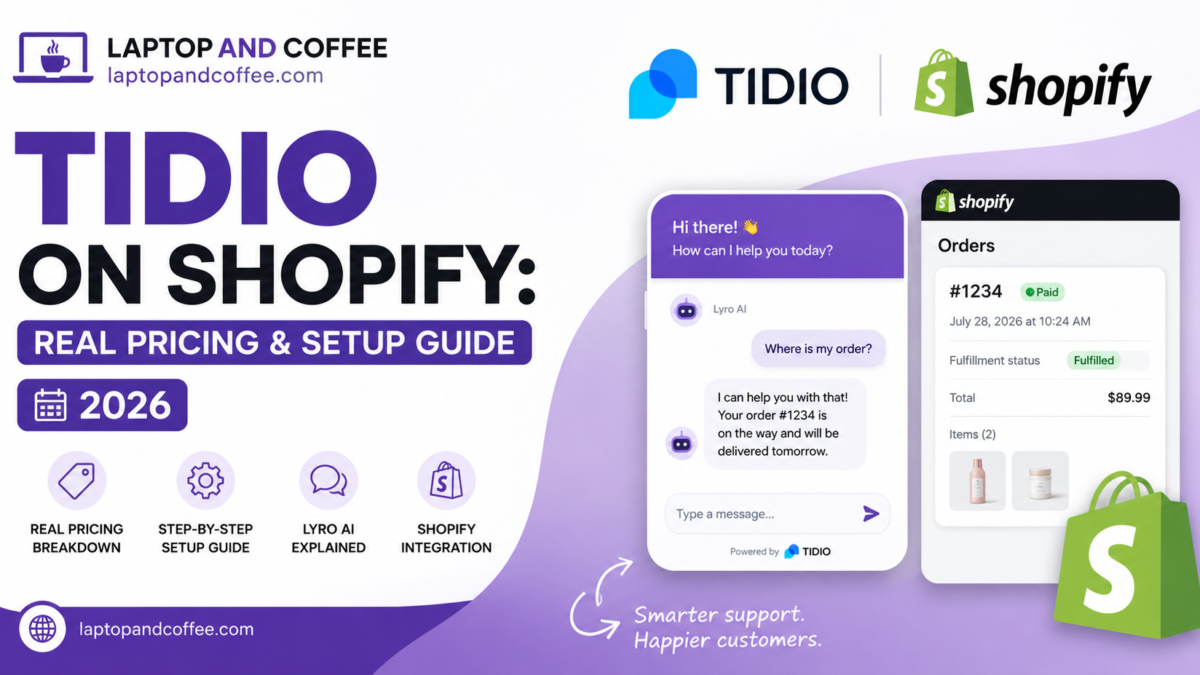
Tidio for Shopify pricing has a catch worth knowing before you install anything: the page shows $24/month, but the plan most stores actually need for real Shopify features — order lookups, product recommendations inside the chat — starts at $49/month, not the number you saw first. That gap is the whole story of this review.
I installed Tidio’s Lyro AI on my own Shopify stores to see what the setup process actually involves and where the pricing surprises show up before they hit your card. This is what I found.
“I’m running it live on MyVella Beauty and PyloBAND right now – what I found : Easy to setup fully, customisable with brand, get and fetch knowledge data from live urls automatically, and manually you can feed the data, accuracy score is good for answering the customers queries ”
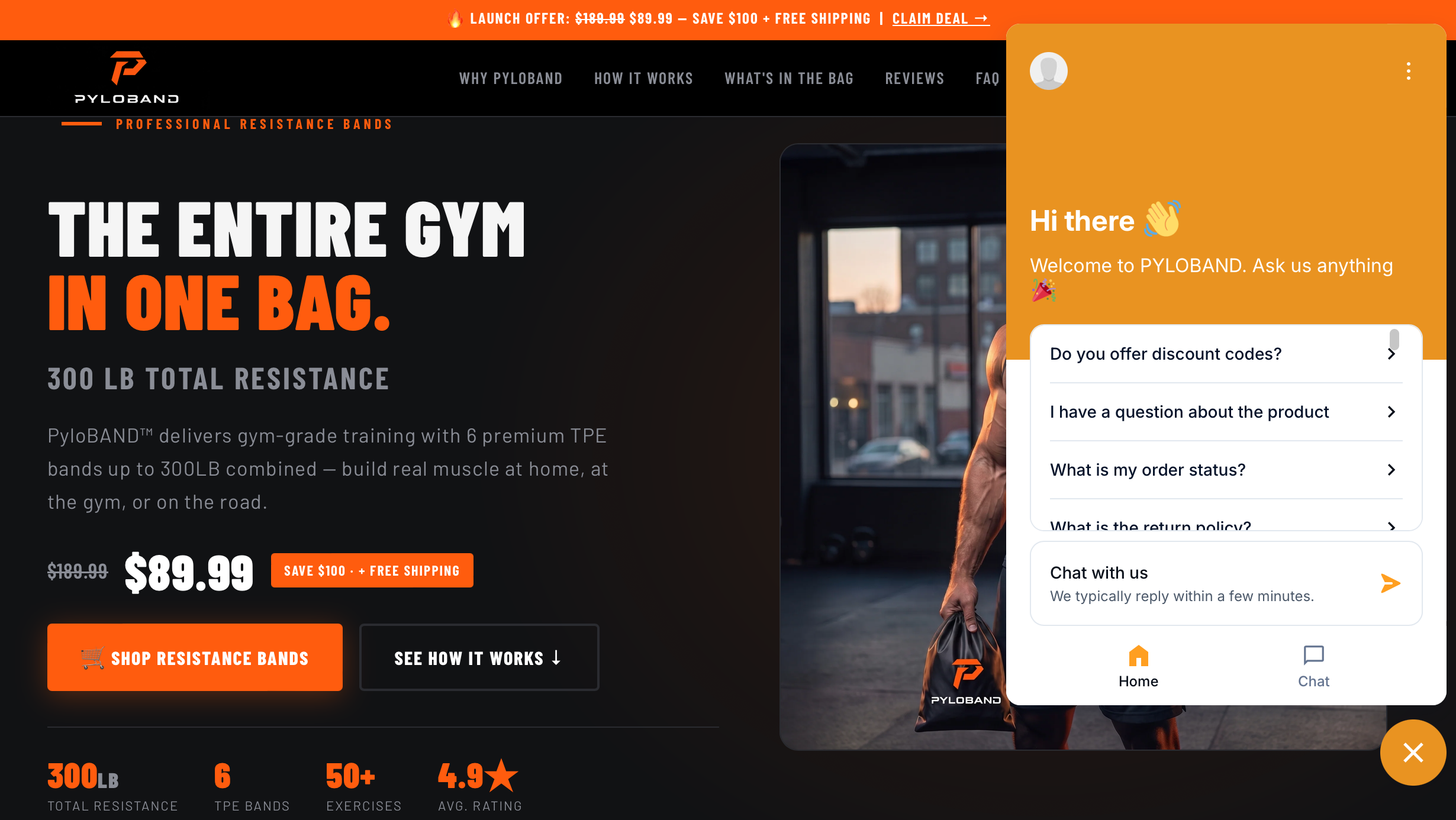
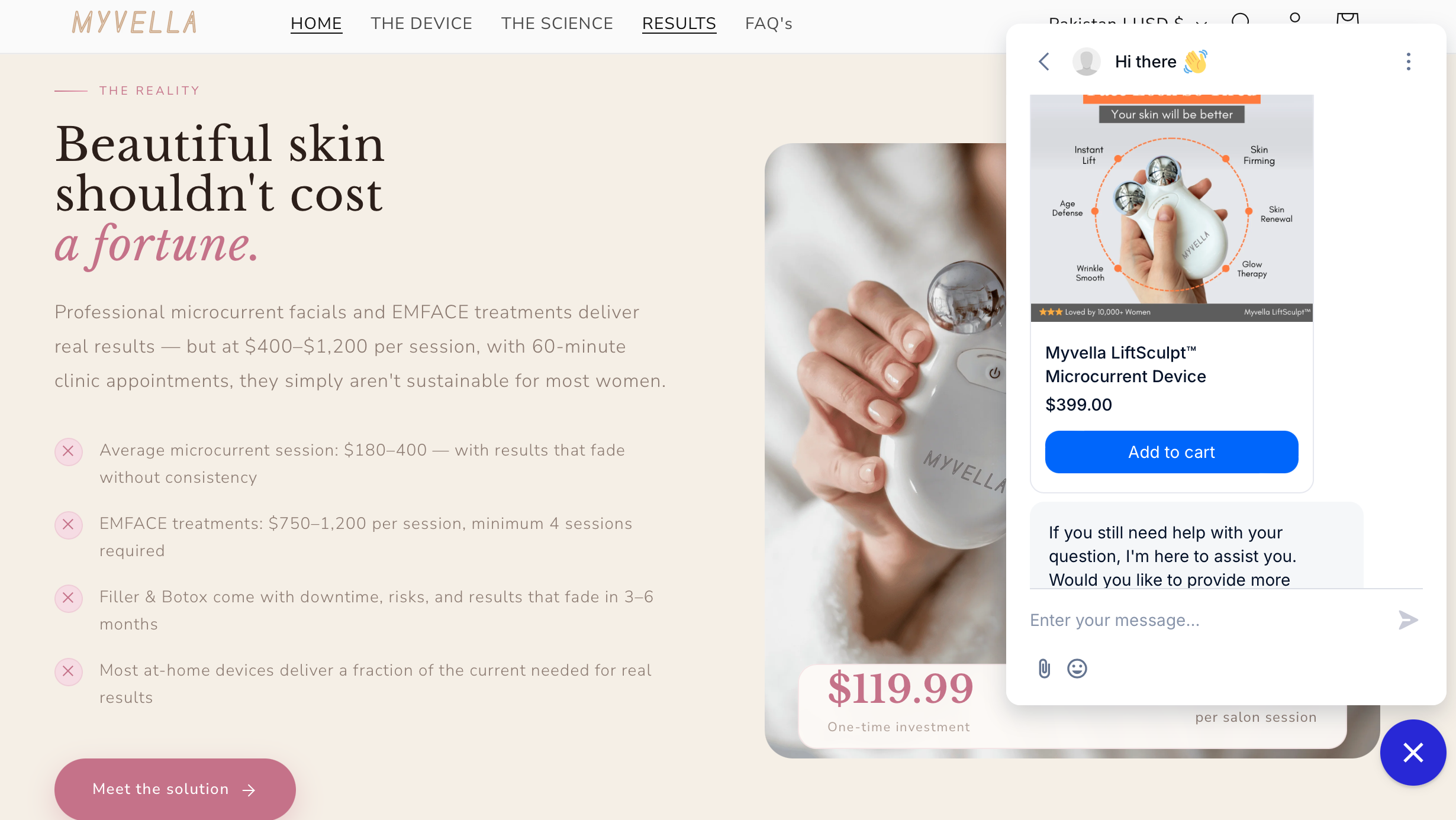
The short answer: Tidio is a genuinely solid pick for a Shopify store — easy install, a real free tier, and Lyro AI that can resolve routine questions (shipping, sizing, order status) without a human. The Starter plan is $24.17/month, but it doesn’t include native Shopify actions. For a bot that can actually look up an order or recommend a product, you need Growth at $49.17/month. Add Lyro AI on top — it starts at $32.50/month for 50 conversations — and a small store doing real support volume lands closer to $80–100/month, not the $24 the pricing page leads with.
This post contains an affiliate link — see full disclosure at the end.
What Tidio’s Pricing Actually Means for a Shopify Store
Tidio bills across three separate meters, and knowing this before you sign up saves you a surprised invoice later. Full details are on Tidio’s official pricing page, but here’s the breakdown that matters for a Shopify store specifically:
- Billable conversations (the plan fee): Only counts once a human agent replies. If Lyro AI resolves the question and no human ever jumps in, it doesn’t count against this quota at all.
- Lyro AI conversations (separate meter): Every Tidio account gets 50 Lyro conversations for free — but that’s a one-time lifetime pool, not a monthly allowance. To get a limit that refreshes every month, you need to upgrade to a paid Lyro AI tier starting at $32.50/month for 50 conversations.
- Flows visitors reached (separate meter): Proactive automation — cart recovery nudges, popups — billed by how many visitors you reach, starting at $24.17/month for 2,000 visitors.
You can mix and match — buy Lyro AI Agent or Flows as standalone products, or bundle them with a Customer Service plan. For a Shopify store that wants a chatbot with real ecommerce features, the practical starting point is Growth plus Lyro AI, not Starter alone.
Tidio Pricing Plans, Compared (2026)
| Plan | Best for | Starting cost | Shopify actions? |
|---|---|---|---|
| Free | Testing before you commit | $0/mo — 50 billable conversations, 50 Lyro conversations (one-off) | No |
| Starter | Small stores just adding live chat | $24.17/mo — 100 billable conversations | No |
| Growth (most popular) | Stores that want AI + real Shopify integration | From $49.17/mo — 250+ billable conversations | Yes |
| Plus | Higher-volume stores, multiple brands | From $300/mo + usage | Yes |
| Premium | Large operations wanting a managed AI service | Contact for pricing (3,000+ Lyro conversations, guaranteed 50% resolution rate) | Yes |
Prices verified directly on Tidio’s pricing page as of July 2026 — always confirm current numbers before committing, since these change.
Starter — fine for basic live chat, not for Shopify-specific automation
Starter gets you live chat, ticketing, and basic analytics for $24.17/month. What it doesn’t include: native Shopify actions, automatic chat assignment, or macros. If your only goal is a chat widget with a human answering, this works. The moment you want the bot to check an order status or suggest a product, you’ll hit the ceiling.
Choose Starter if: you mainly want live chat with occasional AI backup and don’t need order-aware automation yet. Skip it if: Shopify integration is the actual reason you’re evaluating Tidio — you’ll be upgrading within days of finding this out.
Growth — where a real Tidio Shopify integration starts
Growth adds native Shopify actions, advanced analytics, automatic chat assignment, and macros on top of everything in Starter, from $49.17/month for 250 billable conversations. This is the realistic floor for a store that wants Lyro AI answering “where’s my order” or “do you have this in blue” using actual store data, not generic FAQ answers. If you’re comparing this against WhatsApp-first tools instead of a website widget, our Wati pricing breakdown covers that side of the market.
Choose Growth if: you’re running a live Shopify store and want the bot to interact with real order/product data. Skip it if: you’re still deciding whether a chatbot is worth it at all — start on Free or Starter and upgrade once you’ve validated demand.
Plus and Premium — past what most small stores need
Plus starts at $300/month plus usage and adds custom branding, departments, and a dedicated success manager. Premium is a fully managed AI service with a guaranteed 50% Lyro resolution rate and pay-per-resolution billing, priced on request. Unless you’re running multiple storefronts or a support team beyond a handful of people, these tiers are overbuilt for a single Shopify shop.
Setting Up Tidio on Shopify: What the Process Actually Involves
The install itself is genuinely simple — the Shopify app connects in a few clicks, and the widget appears on your storefront immediately. The part that takes real time is training Lyro on your actual business. (If you’re setting this up as a paid service for other stores rather than just your own, our guide on what to charge for chatbot setup is worth reading first.)
- Connect the Shopify app. One-click install from the Shopify App Store; the widget goes live right away with default settings.
- Feed Lyro your knowledge base. This is the step people underestimate. Lyro pulls from a website scraper, an FAQ scraper, or a manually uploaded Q&A file — the quality of its answers is entirely a function of how complete this is. A thin knowledge base gives you a bot that confidently says “I don’t know” a lot.
- Test it like a real customer would. Ask the questions your customers actually ask — shipping timelines, return policy, sizing, ingredient or material questions — before you trust it with real traffic.
- Watch the first few weeks closely. Every conversation Lyro can’t resolve is a gap in your knowledge base. Fixing those gaps weekly is what separates a chatbot that actually helps from one customers learn to route around.
What Real Users Say About Tidio on Shopify (G2, Capterra, App Store) Tidio rates 4.6 on G2, 4.7 on Capterra, and 4.7 on the Shopify App Store — consistently strong across review platforms, which isn’t always the case for chatbot tools. If Tidio doesn’t end up being the right fit, our wider roundup of chatbot options for small businesses covers the alternatives.
What people like: straightforward setup, a genuinely usable free tier for testing, and Lyro’s ability to resolve routine questions without feeling scripted. What people flag most: the three-meter pricing structure catches people off guard, and the jump from Growth ($49–~$180 depending on volume) to Plus ($300+) leaves mid-sized stores with a real gap — nothing between “small shop” and “$300+/month,” similar to the cliff Wati has between its Growth and Business tiers.
Three Mistakes Shopify Store Owners Make With Tidio
1. Signing up for Starter expecting Shopify actions. If the Shopify integration is why you’re here, budget for Growth from day one — Starter will feel incomplete within a week.
2. Forgetting the Lyro free pool is lifetime, not monthly. Those first 50 Lyro conversations don’t refresh unless you’re on a paid Lyro tier. A store with steady traffic burns through 50 conversations fast, then Lyro simply stops responding until you upgrade.
3. Launching with a thin knowledge base. Lyro is only as good as what you feed it. A rushed FAQ scrape gives customers “I’m not sure” more often than real answers — budget real time for step 2 above before you turn it loose on live traffic.
Who Should Actually Use Tidio on Shopify
- You get repetitive support questions: shipping times, return policy, sizing — exactly what Lyro is built to absorb.
- You want order-aware answers, not just FAQ answers: that’s the Growth-plan native Shopify actions, not Starter.
- You’re testing before committing spend: the Free plan is a legitimate way to see whether customers use the widget at all before paying anything.
- Skip it if: your support volume is near zero, or your customers mainly reach you through Instagram/WhatsApp rather than your storefront — a tool built for those channels fits better there.
FAQ
Does Tidio work with Shopify?
Yes — the Tidio Shopify app installs in one click from the Shopify App Store, rated 4.7/5 there. Full native Shopify actions (order lookups, product recommendations in chat) require the Growth plan or higher.
How much does it cost to run Tidio on Shopify?
Realistically $49–100+/month once you combine Growth (for Shopify actions) with a paid Lyro AI tier for AI conversations. The advertised $24.17 Starter price doesn’t include Shopify-specific automation.
Is Tidio’s free plan enough for a small Shopify store?
For testing, yes — 50 billable conversations and a one-time pool of 50 Lyro conversations. For an active store with steady traffic, you’ll outgrow it within weeks.
What’s the difference between Lyro AI and Flows?
Lyro uses AI to understand and answer open-ended questions from your knowledge base. Flows are rule-based, pre-scripted automations — good for triggered actions like cart-recovery messages. Most stores end up using both.
The Bottom Line on Tidio for Shopify Stores
Tidio is a legitimately good chatbot for a Shopify store — the install is easy, the free tier is honest, and Lyro AI genuinely reduces repetitive support load once it’s trained properly. Just go in knowing the real starting point for Shopify-specific features is the $49.17/month Growth plan, not the $24.17 number most people see first, and that Lyro’s free conversations are a one-time pool, not a monthly reset. Budget accordingly and the surprises disappear.
Affiliate disclosure: This post contains an affiliate link. If you sign up through it, we may earn a commission at no extra cost to you. We only recommend tools we’ve genuinely researched and used. Tool details and pricing reflect 2026 information — prices change often, so always check the current pricing page before committing.